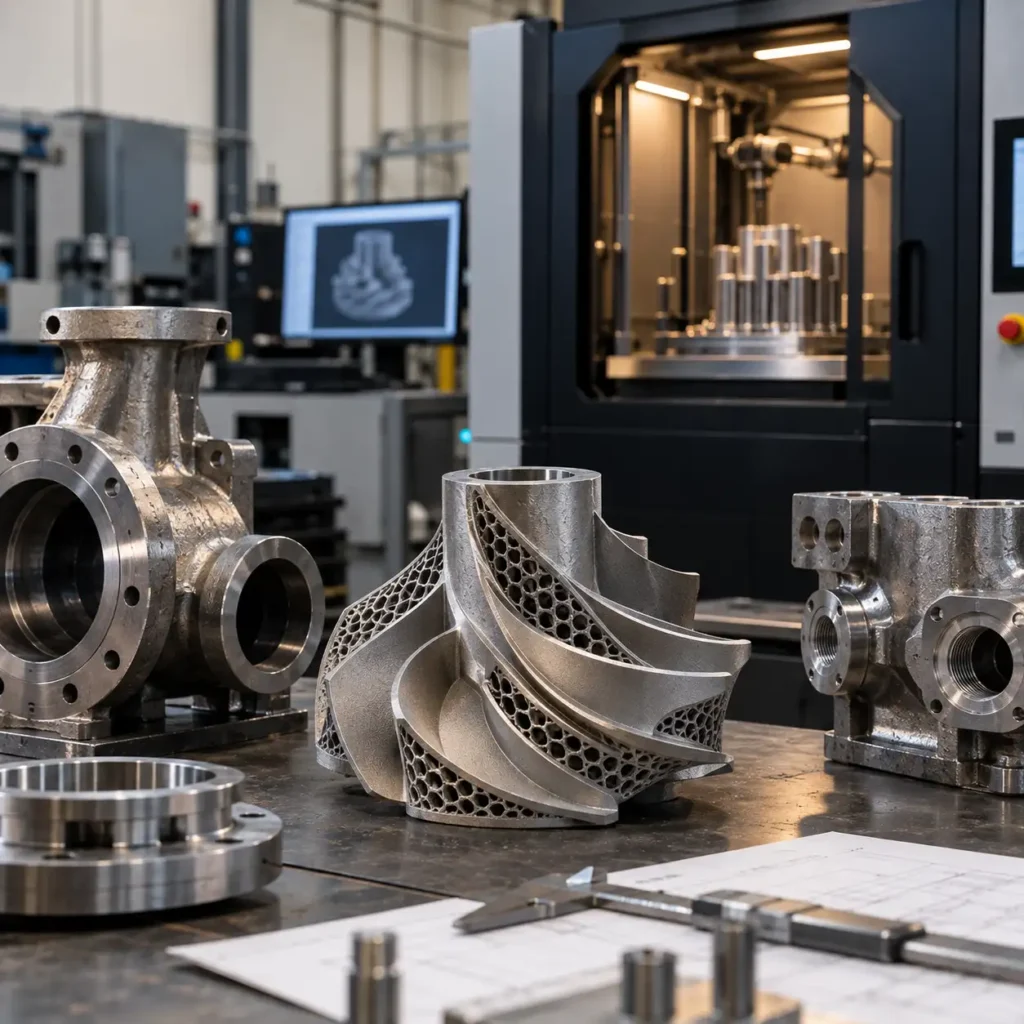
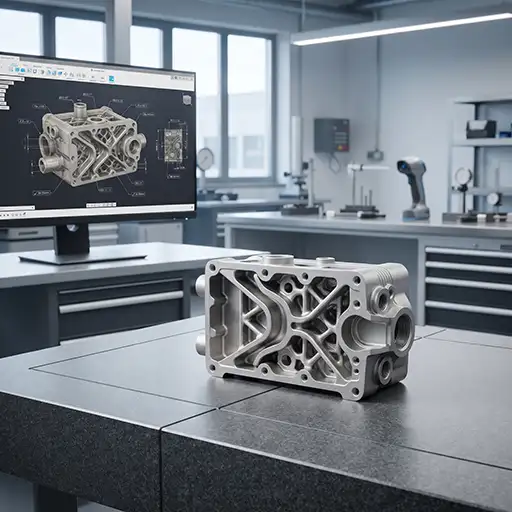
Metal 3D printing can produce complex industrial components, but a successful build starts well before the part reaches the machine. CAD geometry, wall thickness, tolerances, build orientation, support strategy and post-processing requirements all influence whether a design can be manufactured reliably.
Preparing CAD files for metal 3D printing is therefore more than exporting a model into a compatible file format. It requires checking the relationship between the intended function of the component and the constraints of the additive manufacturing process.
This guide outlines the key engineering checks to complete before submitting an industrial component for metal additive manufacturing.
1. Start with the Function of the Component
Before modifying the CAD model, establish what the component must do in service.
A housing, bracket, impeller and fluid manifold have different structural, thermal and dimensional requirements. These requirements should guide design decisions throughout the preparation process.
Identify the critical characteristics of the part, including:
- Loads, operating temperatures and environmental conditions.
- Pressure boundaries and required sealing surfaces.
- Interfaces with mating components, fasteners, shafts or bearings.
- Critical dimensions, fits and geometric tolerances.
- Surface finish requirements for functional and contact areas.
- Inspection and documentation requirements.
Not every feature in a CAD model has equal engineering importance. Separating functional requirements from cosmetic or non-critical geometry helps focus design reviews on the features that matter most.
Where the part replaces an existing component, confirm that the available CAD model represents the actual design and any relevant modifications. A geometrically complete model does not automatically establish that the component is suitable for its intended operating conditions.
2. Check the CAD Geometry Before Export
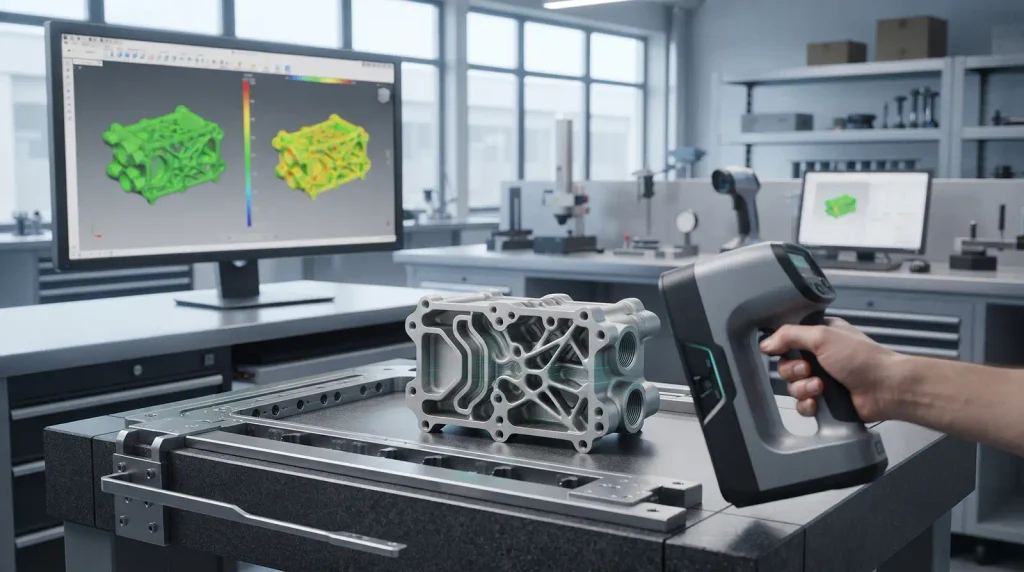
A model may appear correct on screen while containing geometry that creates problems during manufacturing preparation.
Common issues include gaps between surfaces, overlapping bodies, duplicate faces, inverted normals, self-intersections and extremely small features. Depending on the modelling and slicing software, these defects can cause errors, missing regions or unexpected interpretations of the part.
Before export, check that:
- The model represents a closed, watertight solid where a solid body is intended.
- There are no unintended gaps, duplicate surfaces or overlapping volumes.
- Internal cavities and openings are represented correctly.
- Thin features and small details are intentional and manufacturable.
- The model uses consistent units and the correct scale.
- Separate components are clearly distinguished where an assembly is involved.
A solid-model validity check should be completed in the originating CAD system whenever possible. After export, inspect the translated model as well, because file conversion can introduce problems that were not visible in the original design.
Choose an appropriate file format
STEP is commonly used to exchange CAD geometry while preserving solid and surface information. STL is widely used for tessellated geometry in additive manufacturing workflows, while other formats may be supported depending on the software and service provider.
The appropriate format depends on the receiving workflow. If design changes, feature-level edits or dimensional interpretation are important, retain the native CAD file and a neutral solid model where possible. Confirm the required submission format before finalising the export.
3. Review Wall Thickness and Fine Features
Metal additive manufacturing does not eliminate geometric constraints. Thin walls, narrow ribs, small holes and delicate protrusions can be sensitive to process parameters, material behaviour, build orientation and support conditions.
A feature that is technically represented in CAD may not be robust enough to manufacture consistently.
Review the following:
Wall thickness: Check thin walls against the capabilities of the selected process, material and geometry. Avoid applying a universal minimum thickness to every component; the acceptable value must be evaluated for the specific build.
Small holes and openings: Consider whether openings can be produced to the required size and condition without additional machining. Some holes may require finishing or inspection after the build.
Narrow slots and gaps: Very small gaps may close, become difficult to clean or be inaccessible for inspection.
Thin ribs and projections: Slender features can be vulnerable to distortion, local overheating or damage during support removal and handling.
Sharp transitions: Abrupt changes in section thickness can contribute to uneven thermal behaviour and residual stress. Where the application allows, smoother transitions and suitable radii may improve the design.
The objective is not simply to make every feature larger. It is to preserve the component’s intended function while ensuring that its geometry is appropriate for the selected manufacturing route.
4. Design Internal Channels and Cavities Carefully
Internal passages are one of the potential advantages of metal additive manufacturing. They can support compact manifolds, conformal flow paths and geometries that are difficult to produce using conventional subtractive methods.
However, enclosed geometry also introduces practical challenges.
Powder must be able to escape from the relevant cavities, and the finished component must be inspectable to the level required by its application. Long, narrow or complex passages may be difficult to clean or verify, particularly when direct access is limited.
When reviewing internal features:
- Confirm that powder-removal paths are adequate for the geometry.
- Evaluate passage dimensions, bends and changes in cross-section.
- Consider whether internal surfaces require a specified finish.
- Identify trapped volumes or inaccessible cavities.
- Plan how internal features will be inspected or validated.
- Assess whether machining, flushing or other finishing operations are feasible.
For fluid-handling components, internal geometry should also be reviewed against the required flow performance and pressure-boundary design. Computational fluid dynamics may help assess flow behaviour, but simulation alone does not prove the performance of a manufactured component.
5. Define Tolerances and Machining Allowances
As-built metal additive manufacturing surfaces and dimensions may differ from the nominal CAD model. The final result depends on the process, material, geometry, orientation, thermal effects and subsequent finishing operations.
For this reason, tolerances should be assigned according to function rather than copied indiscriminately across the entire model.
Identify the dimensions that control assembly, alignment, sealing or performance. These may include bearing seats, shaft interfaces, bolt patterns, datum features and sealing faces.
For each critical feature, determine whether the required condition can be achieved directly through additive manufacturing or whether a secondary operation is needed.
Potential finishing operations include CNC machining, drilling, reaming, grinding and other application-specific processes. Where machining is planned, the CAD model and manufacturing documentation should clearly define the intended final dimensions and any necessary machining allowance.
It is also important to distinguish between the nominal CAD geometry, the as-built condition and the finished component. These are not necessarily identical.
6. Consider Build Orientation and Support Requirements
Build orientation influences how a part is produced layer by layer. It can affect support requirements, surface quality, dimensional accuracy, thermal behaviour and the accessibility of features for post-processing.
Orientation should therefore be evaluated as an engineering decision rather than selected solely to minimise build height.
Key considerations include:
- Which surfaces require the best achievable finish.
- Where supports may be required and how they can be removed.
- Whether critical holes and interfaces are suitable for the selected orientation.
- How overhangs and long unsupported features behave during the build.
- Whether the part can be removed from the build plate and handled safely.
- How orientation affects distortion and subsequent machining access.
The optimal orientation is usually a compromise among several competing requirements. A configuration that reduces support material may increase finishing effort or make a critical surface harder to produce accurately.
Support generation and final orientation are normally confirmed during manufacturing preparation, but the CAD designer can make that work easier by identifying critical surfaces, interfaces and functional constraints early.
7. Separate the As-Built Model from the Finished Design
A manufacturing-ready package should make the intended final condition unambiguous.
For components requiring post-processing, document which features must remain as-built and which require machining, finishing or other treatment. This helps prevent confusion between the original design intent and the operations needed to achieve the final specification.
Depending on the project, the documentation may include:
- The approved CAD model and neutral exchange file.
- A technical drawing with datums and critical tolerances.
- Notes identifying surfaces that require machining.
- Material and applicable process requirements.
- Surface-finish specifications where functionally necessary.
- Inspection criteria and acceptance requirements.
The level of documentation should reflect the risk and complexity of the application. A simple prototype may require a different package from a pressure-containing or safety-critical industrial component.
8. Plan Inspection Before Manufacturing
Inspection should be considered during design preparation, not added as an afterthought.
Some external dimensions are straightforward to measure, while internal channels, enclosed features and complex geometries may require more specialised methods. The inspection approach should be selected according to the feature, material, acceptance criteria and consequences of failure.
A practical review identifies the characteristics that must be verified and how the verification will be performed.
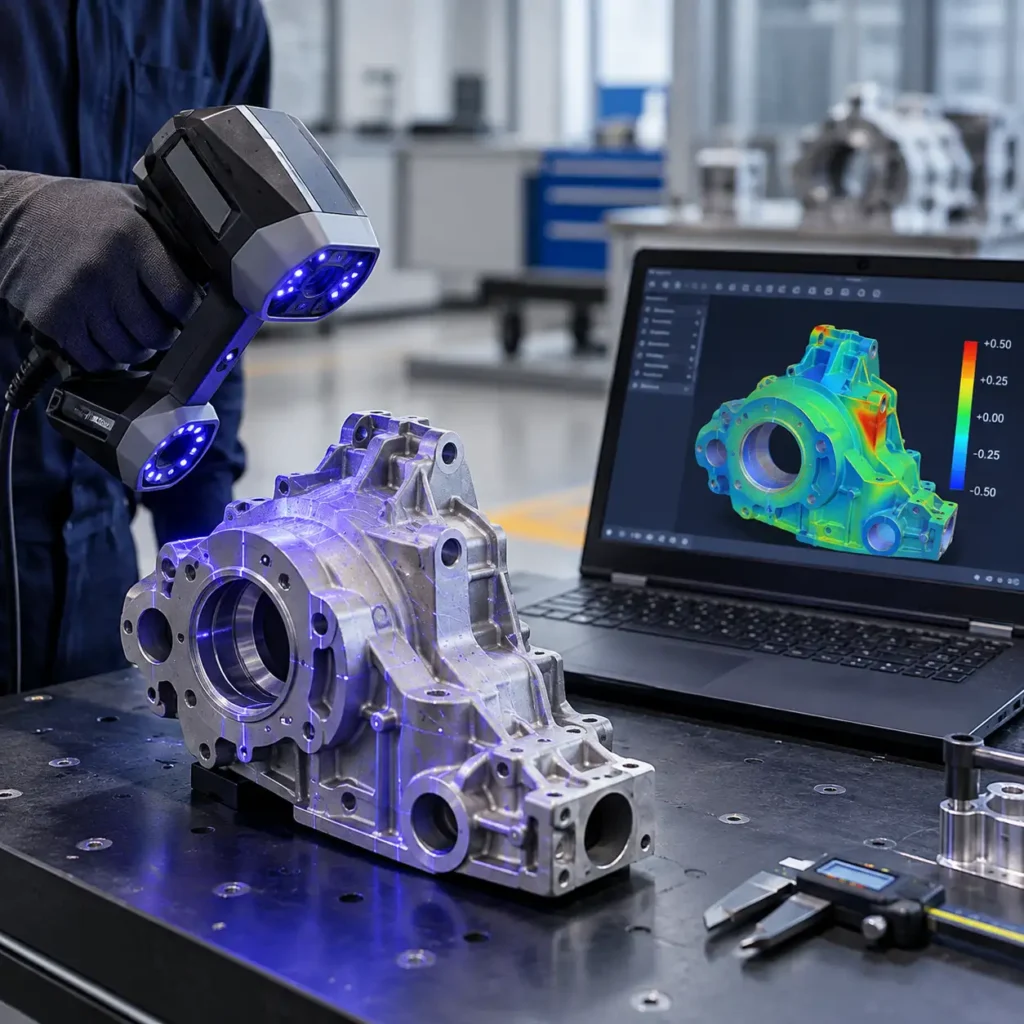
Depending on the application, this may involve dimensional measurement, coordinate measuring equipment, 3D scanning, non-destructive testing or other appropriate inspection methods. No single method is suitable for every defect or geometry, and the required method should be agreed before production where acceptance is critical.
For complex components, early inspection planning can reveal design features that are difficult to access, measure or validate. Resolving those issues before manufacturing can reduce uncertainty later in the workflow.
9. Use Engineering Review to Resolve Manufacturing Risks
CAD preparation is most effective when it combines design intent with manufacturing knowledge.
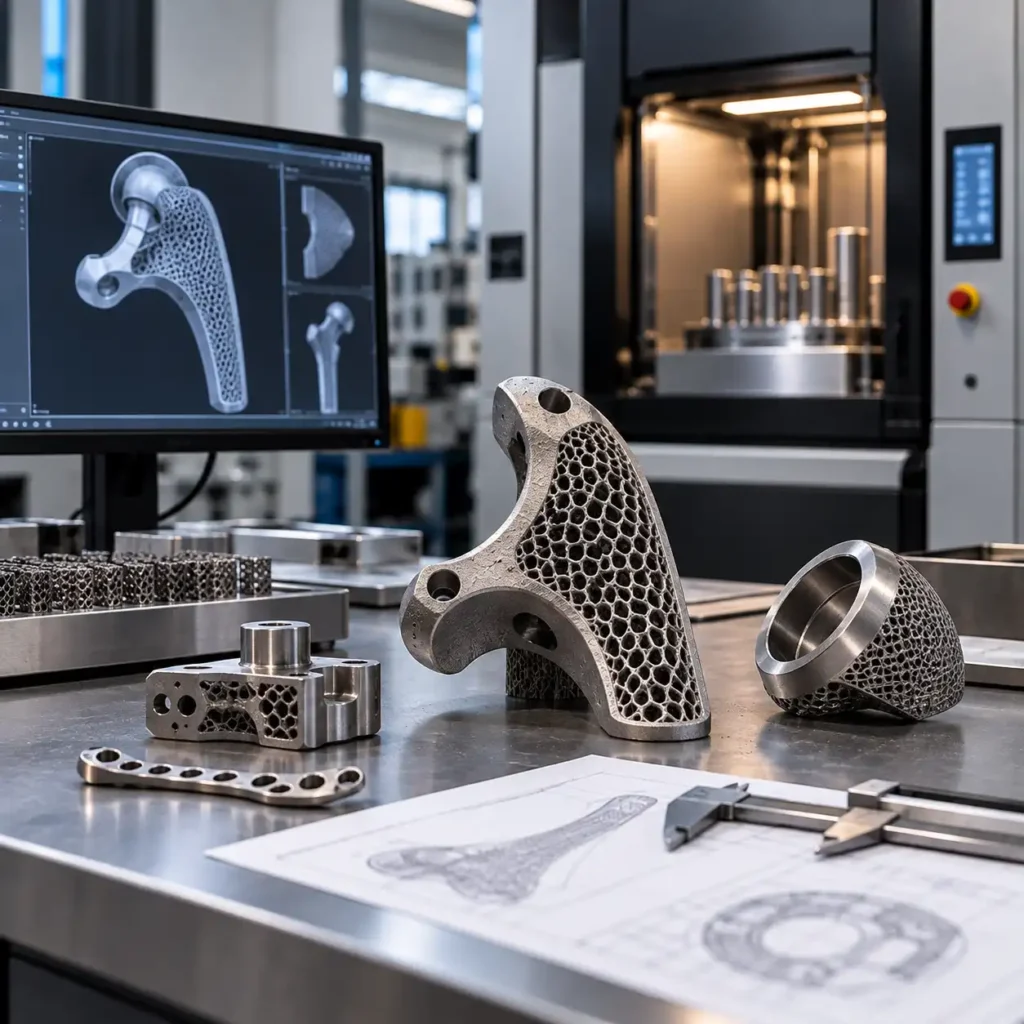
Design for Additive Manufacturing (DfAM) provides a framework for evaluating how geometry can be adapted to the capabilities and limitations of the chosen process. Depending on the part, this may involve support reduction, part consolidation, topology optimisation, lightweighting or changes to internal passages.
However, redesign is not always necessary. Some components can proceed with limited changes, while others benefit from a more substantial engineering review.
A structured review should distinguish between:
- Mandatory corrections: Geometry defects, missing information or features that prevent reliable preparation.
- Manufacturability improvements: Changes that may reduce support requirements, improve build robustness or simplify finishing.
- Performance-driven redesign: Changes that require engineering analysis to demonstrate that the component continues to meet its functional requirements.
Where loading, thermal performance or fluid behaviour is important, appropriate structural or flow analysis may support design decisions. These analyses should use relevant assumptions and boundary conditions and should not be treated as substitutes for required testing or validation.
E-Metal3D provides information about its engineering solutions and metal 3D printing services for industrial applications.
10. Final CAD Submission Checklist
Before submitting a component for metal additive manufacturing, use this checklist to identify missing information.
- The design intent and operating requirements are documented.
- The CAD model has been checked for geometry errors.
- Units, scale and file format are correct.
- Wall thicknesses and fine features have been reviewed.
- Internal cavities and powder-removal paths have been considered.
- Critical dimensions, datums and tolerances are identified.
- Machining and finishing requirements are documented.
- Build orientation constraints and critical surfaces are identified.
- Inspection and acceptance requirements are defined.
- The receiving manufacturing team has the information needed to review the design.
Completing these checks does not guarantee a successful build, but it creates a stronger starting point for manufacturability assessment and helps surface important questions before production begins.
Which file format should I use for metal 3D printing?
STEP is commonly used to exchange solid CAD geometry, while STL is widely used for tessellated additive manufacturing files. The correct format depends on the receiving workflow and the information required for manufacturing preparation. Confirm the preferred format before submission.
Does every CAD model need to be redesigned for metal 3D printing?
No. Some parts can be manufactured with minimal changes, while others need adjustments to wall thickness, supports, internal features or finishing allowances. The required changes depend on the geometry, material, process and functional requirements.
Can metal 3D printing produce small holes and thin walls?
Potentially, but achievable feature sizes depend on the selected process, material, orientation and component geometry. Critical holes and thin walls should be reviewed individually, and secondary machining may be needed to meet the final specification.
Should machining allowances be included in the CAD model?
Where secondary machining is required, the manufacturing package should clearly communicate the intended final dimensions and the allowance needed to achieve them. The allowance should be determined for the specific component and process rather than applied as a universal value.
Why should inspection requirements be defined before manufacturing?
Inspection planning helps ensure that critical dimensions, internal features and acceptance criteria can be verified after production. It can also reveal inaccessible features or measurement challenges early enough to address them during design preparation.